Climate control
Keep each room at the temperature it needs: control ventilation, underfloor heating and room temperature from one place.
Access, lockers, alarm and staff time run on one modular FURCHA platform, and so do climate, lighting, blinds, elevators and video. Manage the whole building centrally in FURCHA HUB, or give one office or room its own controller and its own management.
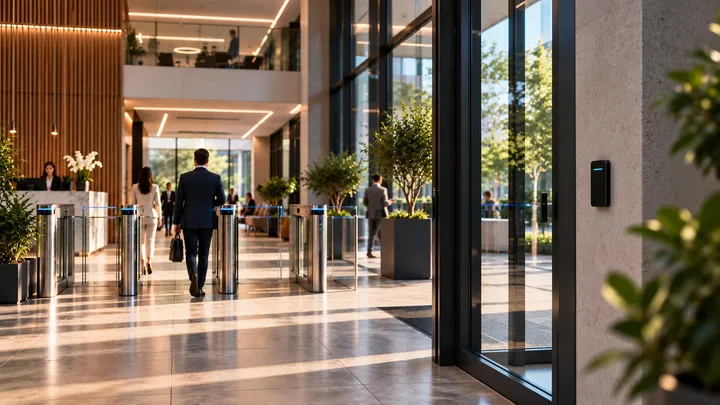
Climate, lighting, blinds and elevators run on the same platform as your doors and are managed from the same place.
Keep each room at the temperature it needs: control ventilation, underfloor heating and room temperature from one place.
Switch lights room by room and save lighting scenes, such as one for a meeting and one for the evening, to recall in one step.
Open and close blinds and curtains room by room or all together, from the same place as the lights.
Decide who may use the elevators, and control them from the same system as your doors.
Your cameras join the same system as your doors and alarm, so you can see what happened, where and when.
Watch your cameras live next to the doors and alarm zones they cover. OMNI EYE in FURCHA HUB shows a site’s floor plan with its doors, lockers and alarm sensors and their state, updated live.
When a door opens or an alarm goes off, open the event and play the video from that moment.
Go back through the full recording archive and play back any moment you need to check.
Decide who opens which door and locker, and when: per person, per room and per time window.
Each person can have their own cards and PIN code, belong to the user groups you choose and get access only between two dates. Deactivate someone, and they are refused at every door and locker.
Give rights door by door and locker by locker, so the server room opens for IT and a personal locker for its owner. Give a user group its doors once instead of person by person.
Set the days and hours a person’s access applies, such as office hours on weekdays for staff and Tuesday mornings for the cleaners. A door can also stay open for everyone during set hours on chosen weekdays, such as the reception during office hours.
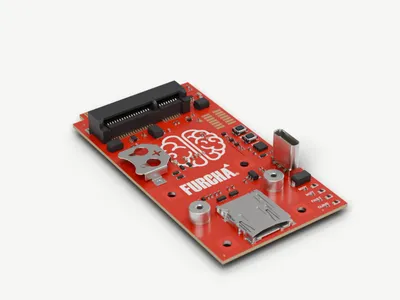 BR-1Brain ModuleThe intelligence at the center of your FURCHA system.
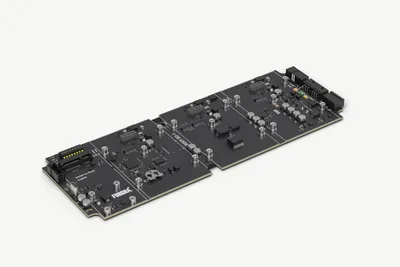 BD-1Body ModuleA modular foundation for connected building functions.
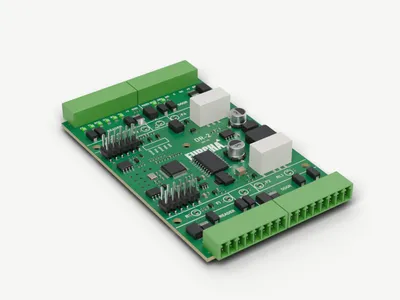 DR-2Door ModuleControls up to two doors, two barriers or a turnstile.
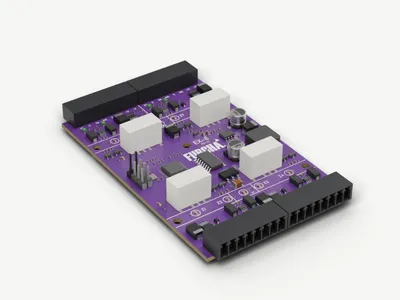 EX-8Expansion Module8 zone inputs for security sensors and 2 programmable relay outputs.
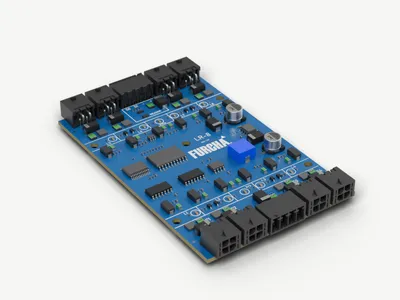 LR-8Locker ModuleFlexible control for connected locker installations.
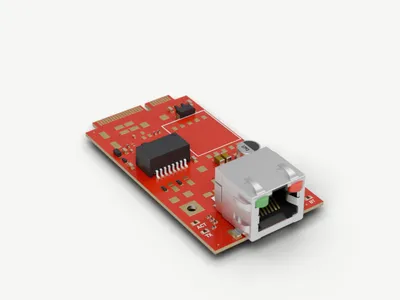 ET-1Ethernet ModuleReliable wired connectivity for compatible FURCHA devices.
Tell us about your project. We’ll help you find the right FURCHA solution.
Cookies
We use cookies for statistics (Google Analytics) and to measure and personalise our advertising (Google Ads, Meta, LinkedIn) — only with your consent. You can change your choice at any time under “Cookie settings” in the footer. Cookie policy